App projects often get stuck over questions that sounded settled at the start. Who confirms a booking? What happens when a payment fails? Is the staff dashboard included in the estimate?
A few short planning documents help you answer those questions before they interrupt development. You don't need a large handbook. You need enough detail for the people designing, building and approving the app to agree on the work.
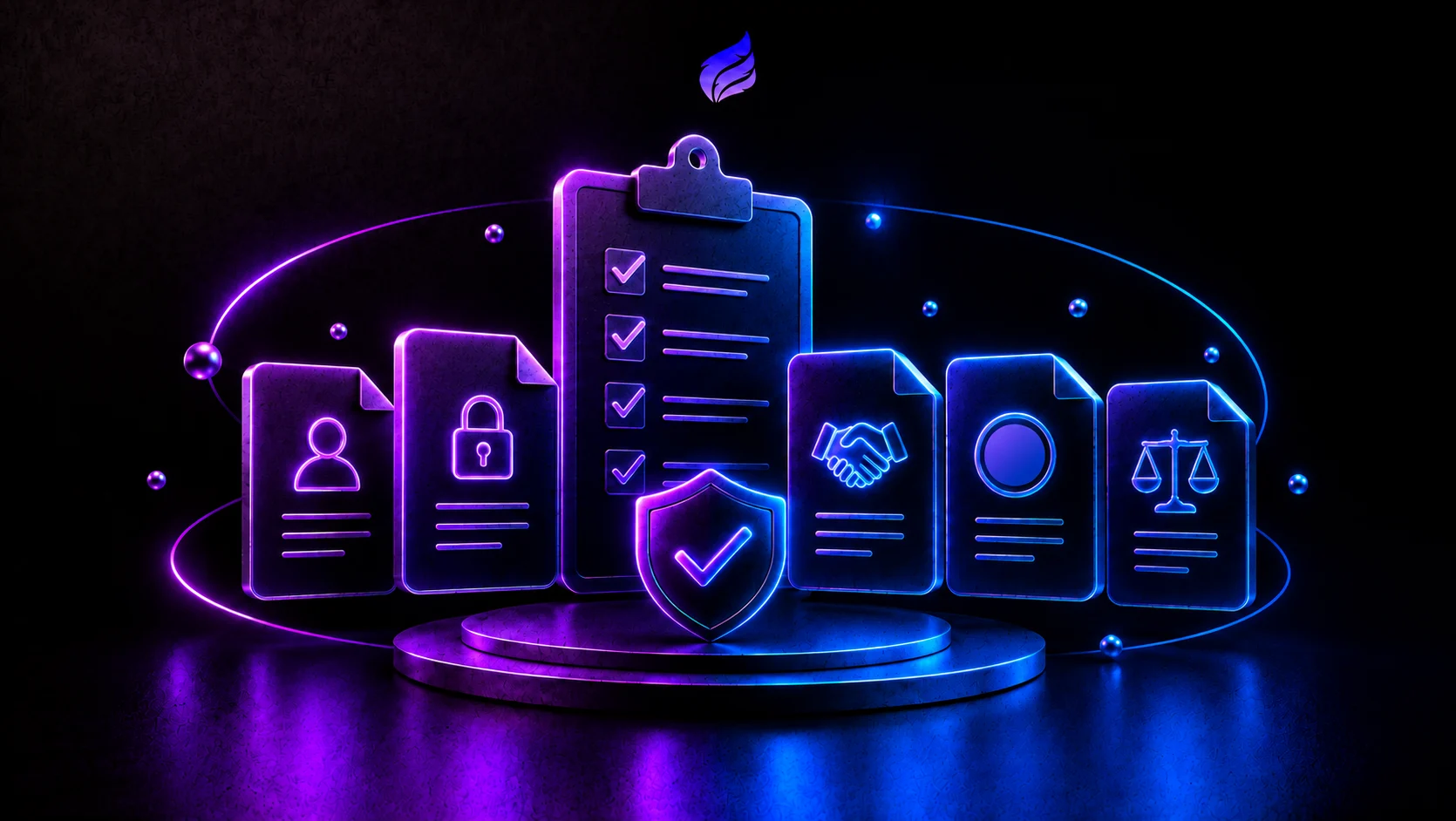
These five documents are a useful starting point. For a small project, they can be sections in one shared document.
1. A product requirements document
The product requirements document, usually called a PRD, explains who the app serves, which problem it solves and what the first release includes.
For an appointment app, "customers can book services" is too broad. Say whether customers request a time or choose a confirmed slot, who receives the request, and how the customer learns the outcome.
Include:
- The main user groups and the task each needs to complete.
- The first-release features and the features you're deferring.
- Examples of a successful result and important failure cases.
- Constraints such as supported devices, languages and integrations.
- How you'll judge whether the release meets its purpose.
If the feature list keeps growing, our MVP guide can help you narrow it to one useful flow.
2. A technical architecture outline
This explains how the main pieces fit together: the app, backend, database, staff tools and outside services.
Start with a simple diagram and a short explanation of each part. Record what data is stored, where it moves and which service is responsible for it. Describe the API requests and responses the app needs.
Explain important choices in terms of the project. A framework or database name on its own doesn't tell the next developer why it was chosen.
Also record open questions. If a calendar integration depends on account access you haven't checked, mark that as something to investigate before estimating it as routine work.
3. A security and access plan
Write down who can view or change each type of information. A customer should only see their own appointments; a staff member may need access to requests for their branch.
Describe sign-in, account recovery, server-side permission checks and how secrets are stored. Include backups, access removal and the events you need to investigate problems.
Collect only the information the service needs. Where the project has specific privacy or industry requirements, identify who will review them. A document helps assign that work; it doesn't make the app secure by itself.
4. An interface specification
Screens need more than a picture of the successful state. Record what appears while a request loads, when a list is empty and when something fails.
Show how layouts adapt to smaller screens. Note labels, keyboard behaviour, focus states and validation messages. Link reusable components and design tokens where you already have them.
A useful example is the booking button: what happens after a tap, how is progress shown, and can another tap submit the same request twice? Answering that helps both the designer and developer.
5. A list of buildable tasks
Turn the agreed work into tasks with a clear outcome. "Build booking" is difficult to review. "Save an appointment request and show its confirmation reference" is more specific.
Each task should say what is needed, what it depends on and how you'll know it's complete. Assign an owner and a priority. Use the tracking tool your team already understands.
For example, a completed request task should cover valid input, failed submission and a retry without duplicate records.
Keep the documents useful
Ask a developer to walk through the main flow using these notes. If they have to guess at important behaviour, add that missing detail. If several pages repeat the same requirement, keep one version and refer to it.
The app cost guide shows how these decisions affect an estimate. Update the notes when the scope changes so the team has a reliable record of what it agreed to build.